🚀 PS-LinkVault

Complete Deployment Guide for Docker-based Telegram Bot

Docker Powered

⚙️ Environment Variables

🔴 Essential Variables (Must Add)

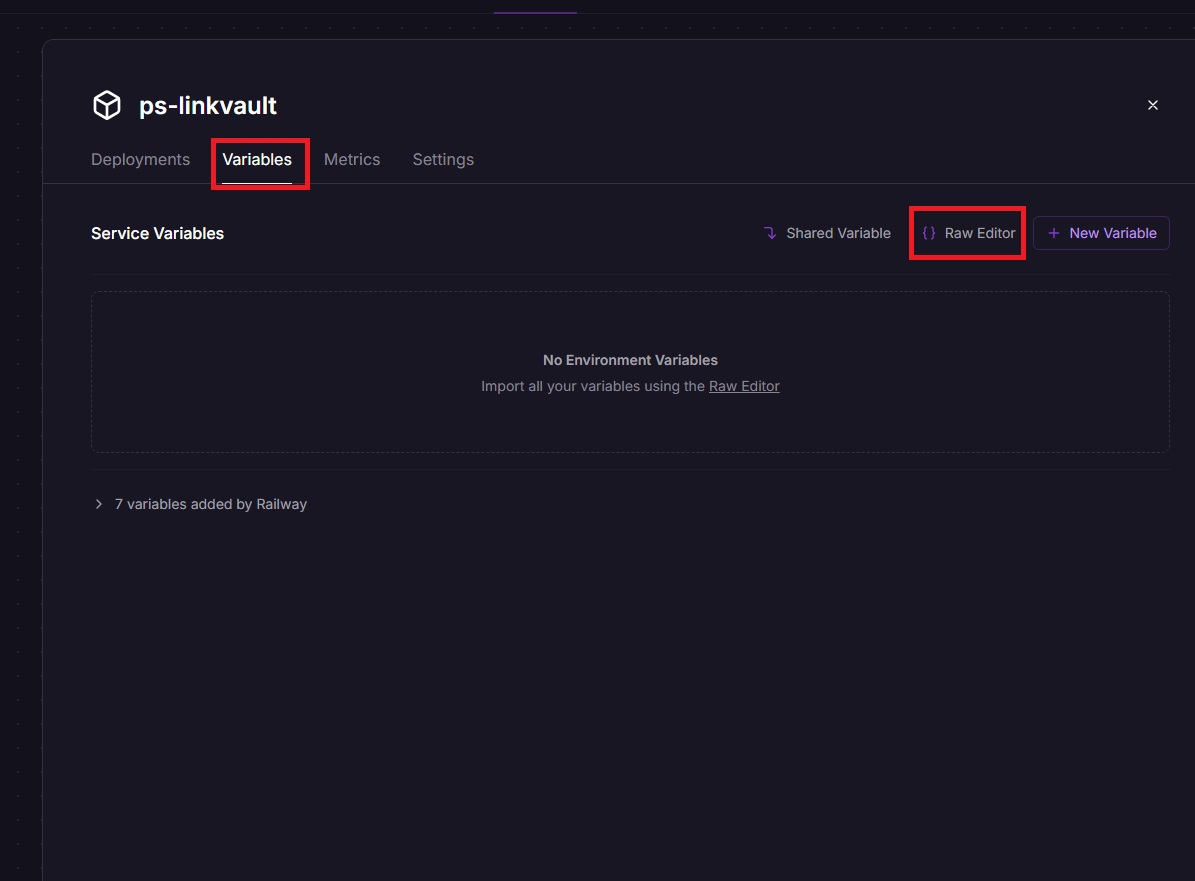
BOT_TOKEN=YOUR_BOT_TOKEN
API_ID=YOUR_API_ID
API_HASH=YOUR_API_HASH
OWNER_ID=YOUR_TELEGRAM_ID
CHANNEL_ID=YOUR_CHANNEL_ID
DATABASE_URL=YOUR_MONGODB_URL
ADMINS=123456789 987654321  # Space-separated admin IDs
DATABASE_NAME=Cluster0
🔧 Common Environment Variable Issues

Invalid BOT_TOKEN: Make sure you copied the entire token from BotFather without extra spaces or newlines.

DATABASE_URL not working: Ensure your MongoDB Atlas IP whitelist includes 0.0.0.0/0 for cloud deployments.

CHANNEL_ID format: Channel IDs should start with -100 (e.g., -1001234567890). Forward a message from your channel to @MissRose_bot then reply with /id to get the correct ID.

🐳 Docker Image

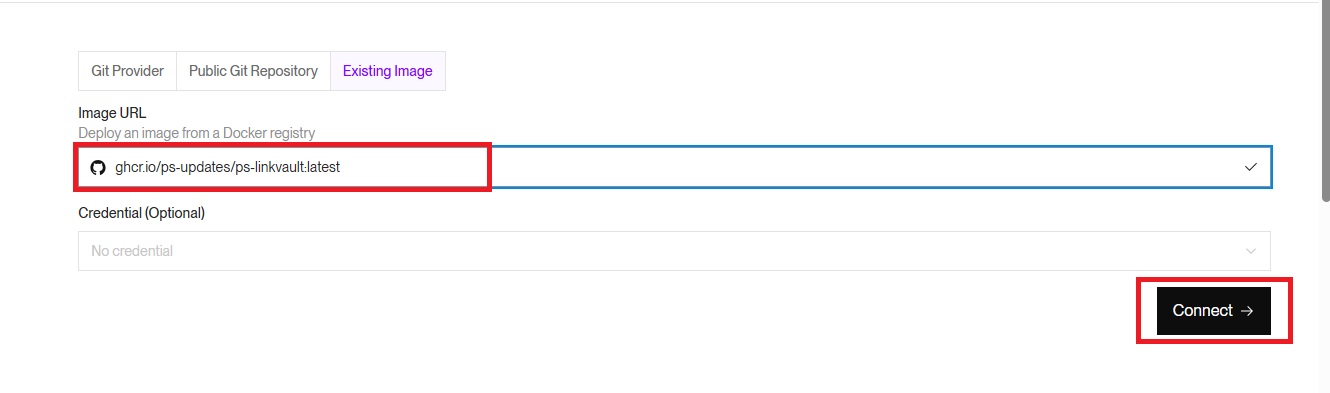
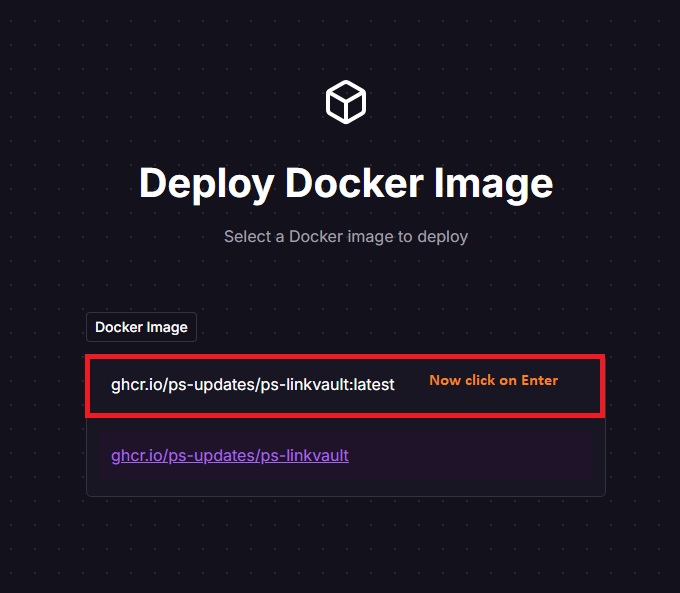
ghcr.io/ps-updates/ps-linkvault:latest

🚀 Deployment Platforms

☁️ Deploy on Koyeb

  1. Navigate to Koyeb Dashboard
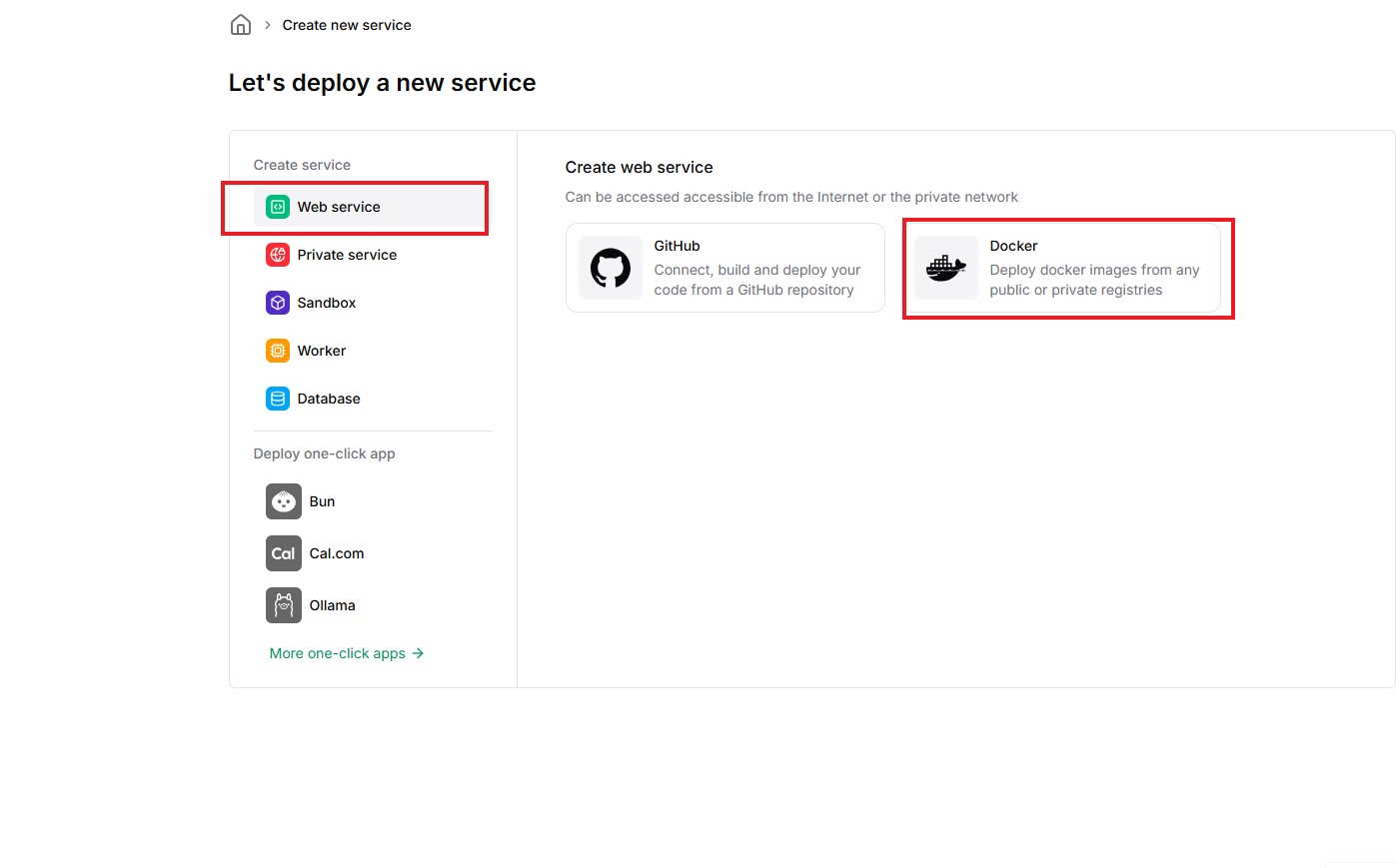
  2. Click "Create App"
  3. Select "Docker" as deployment method
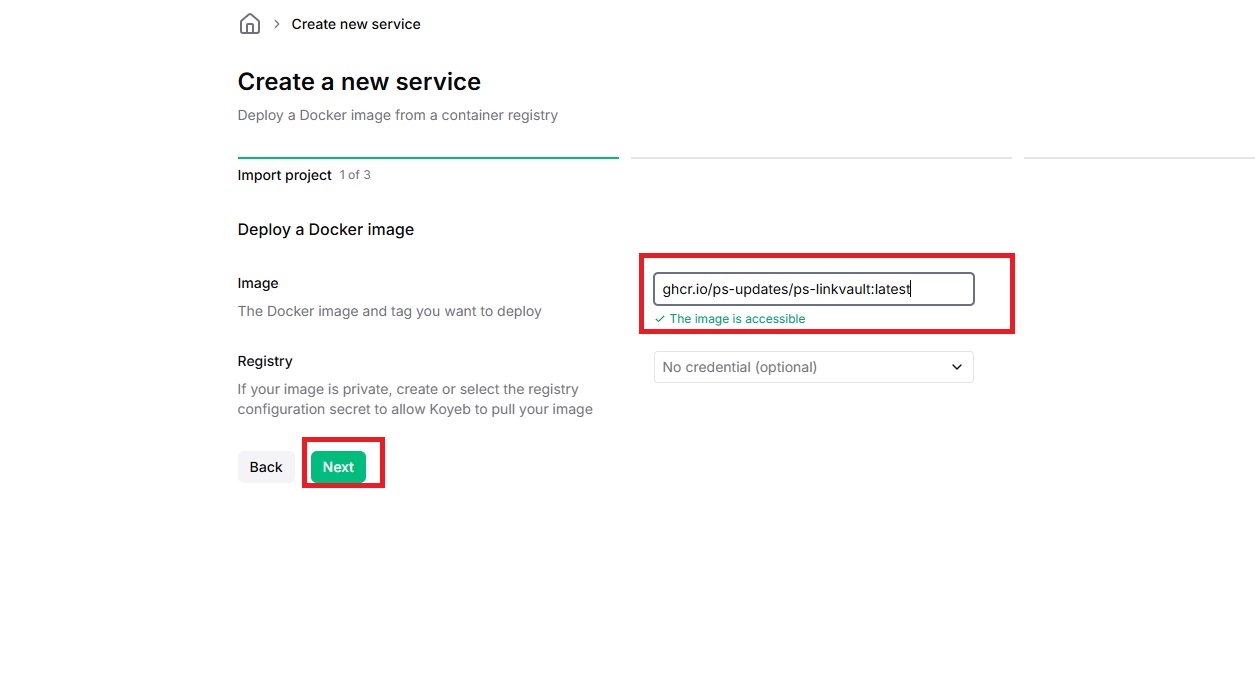
  4. Paste the Docker image URL: ghcr.io/ps-updates/ps-linkvault:latest
  5. Add all required environment variables from above
  6. Choose your preferred region (closer to you = faster response)
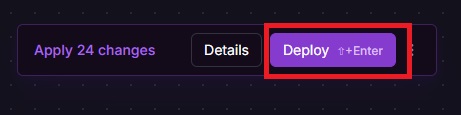
  7. Click "Deploy" and wait for deployment to complete
Koyeb deployment step 1: Creating a new app Koyeb deployment step 2: Selecting Docker Koyeb deployment step 3: Entering Docker image URL Koyeb deployment step 4: Adding environment variables Koyeb deployment step 5: Final deployment
🐛 Deployment Troubleshooting

Bot not responding: Check logs and verify env vars.

Database failed: MongoDB Atlas whitelist should include 0.0.0.0/0 for cloud.

Wrong image: Must be ghcr.io/ps-updates/ps-linkvault:latest

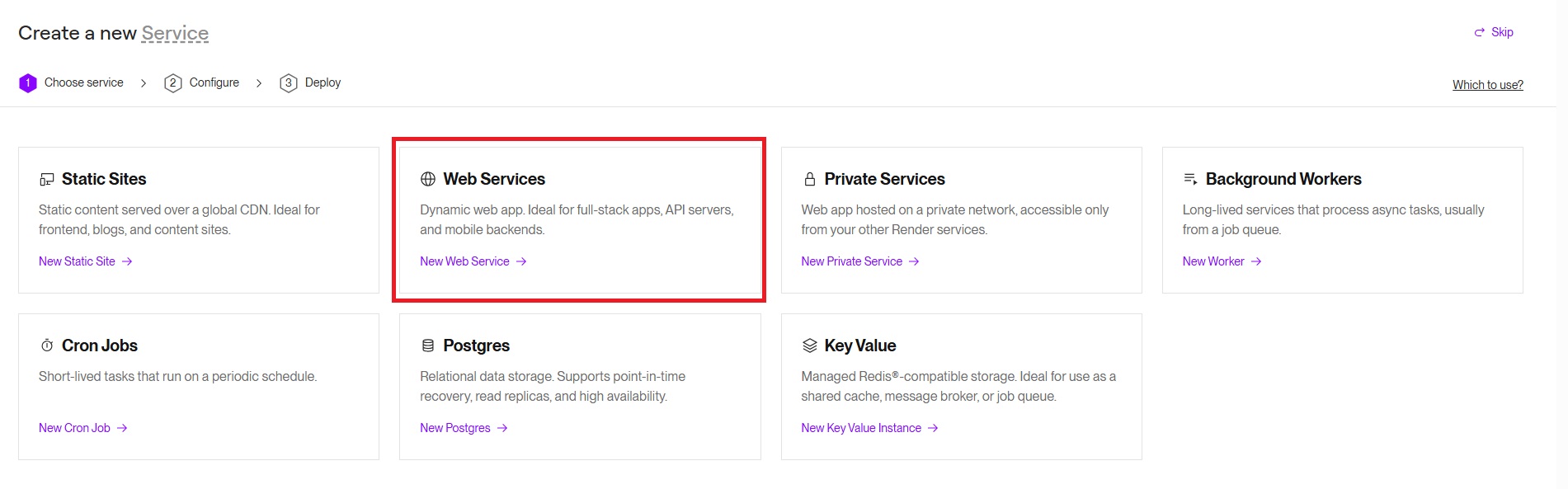
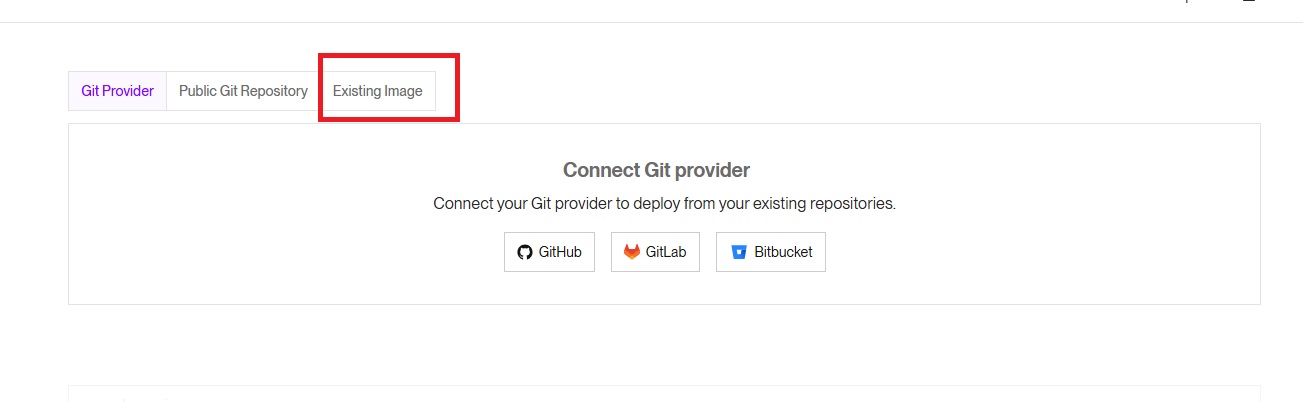
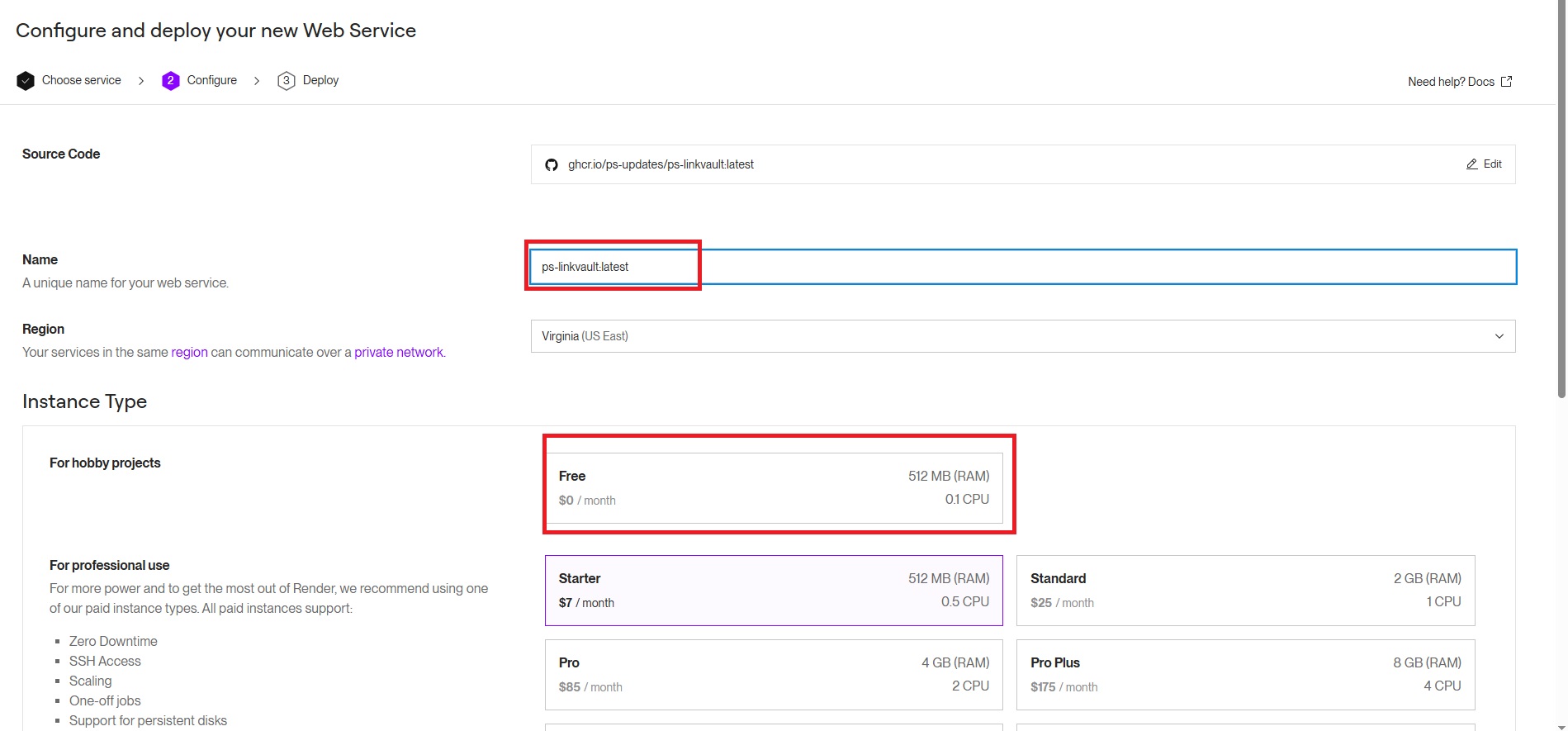
Render sleeps: Use UptimeRobot or upgrade.

📊 Platform Comparison

Platform Free Tier Always-On Best For
Koyeb ✅ Yes ✅ Yes 24/7 availability, beginners
Render ✅ Yes (750 hrs) ⚠️ Sleeps after 15min Easy setup, good docs
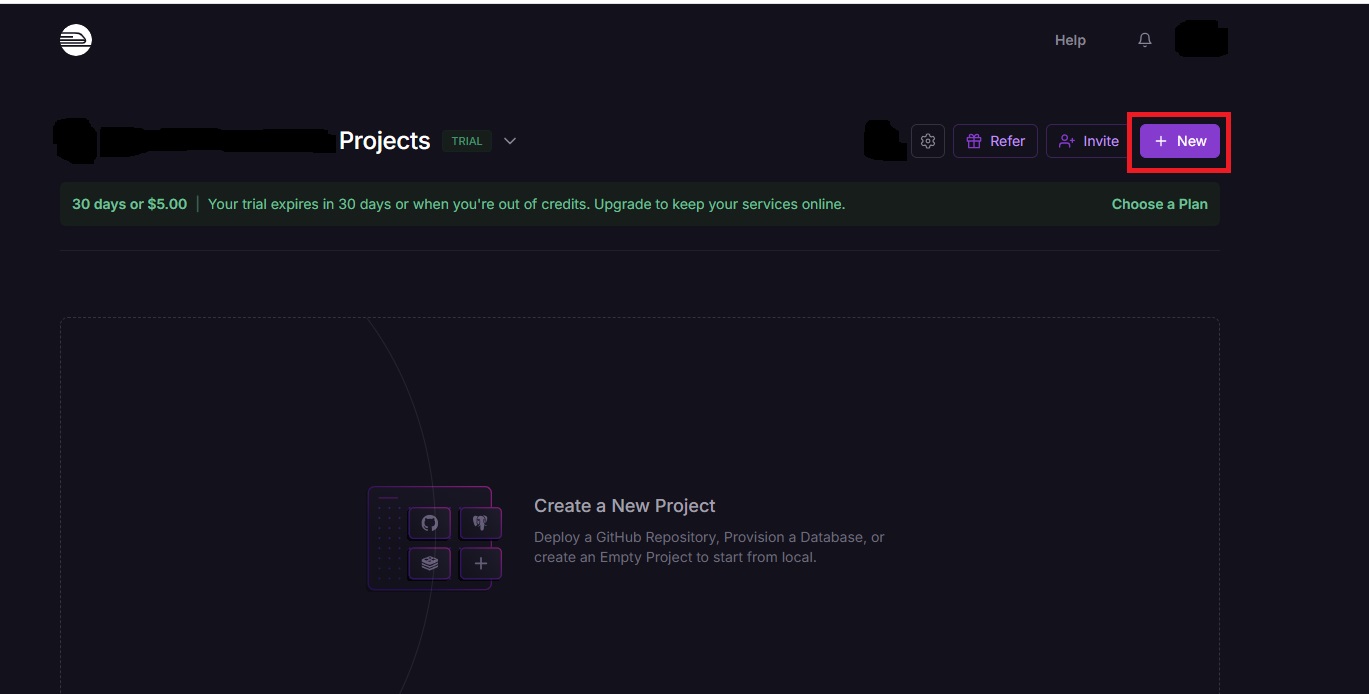
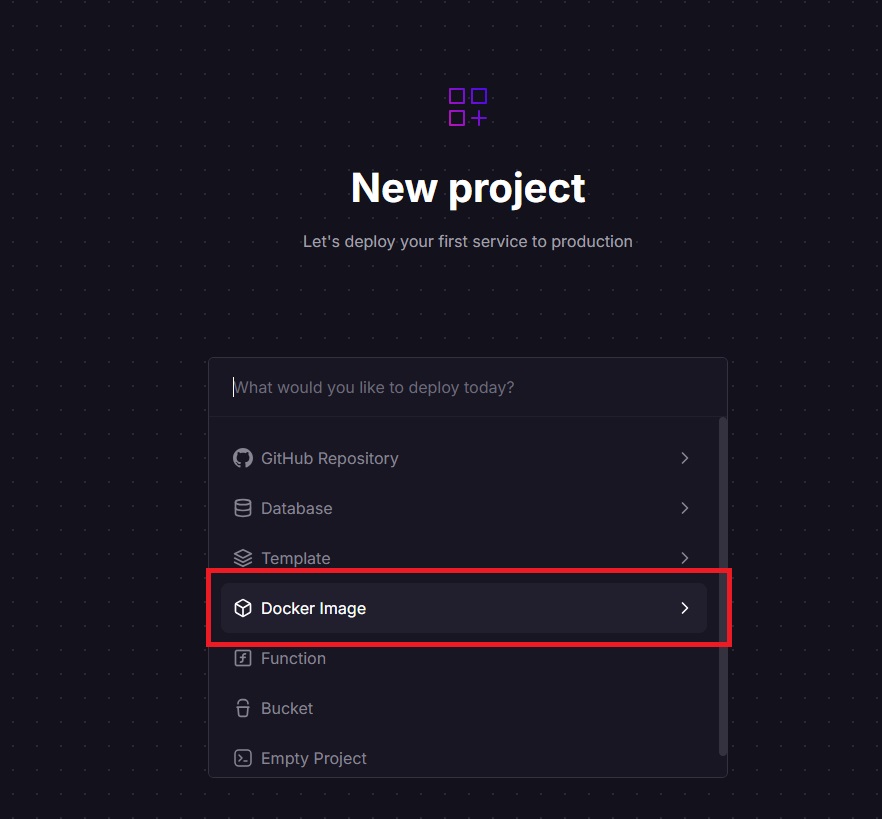
Railway $5 credit/month ✅ Yes Fast deployment, great DX

✅ Verify Your Deployment

1️⃣ Test Bot Response

Open Telegram and send /start to confirm it responds.

2️⃣ Check Logs

Review platform logs to ensure no errors/warnings.

3️⃣ Test Link Storage

Send a test link to ensure MongoDB storage is working.

👤 Getting Started

☁️ Koyeb Account

Sign up with GitHub at koyeb.com

☁️ Render Account

Create account at render.com

🚂 Railway Account

Sign up with GitHub at railway.com